Click to download now, finish the installation quickly, and directly unlock the all-round experience
Screenshots
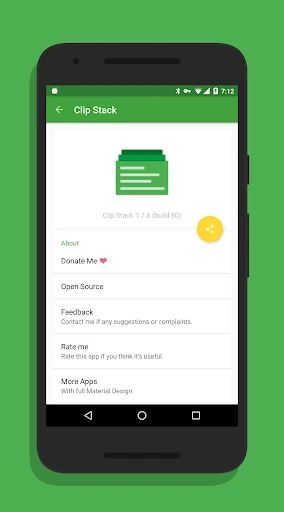
Click to download now, finish the installation quickly, and directly unlock the all-round experience
Clip Stack - Clipboard Manager records copied text so you can return to earlier snippets instead of losing them when something new reaches the clipboard. It suits anyone who regularly moves between messages, notes, web pages, forms, or other apps and needs to reuse several pieces of text.
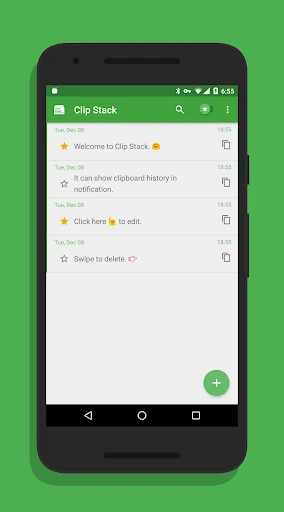
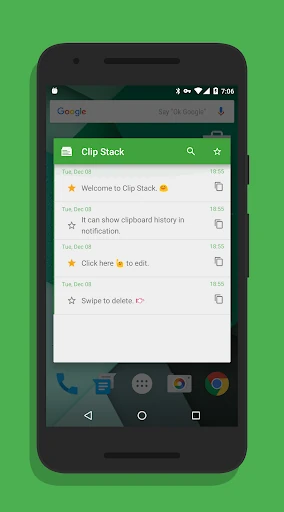
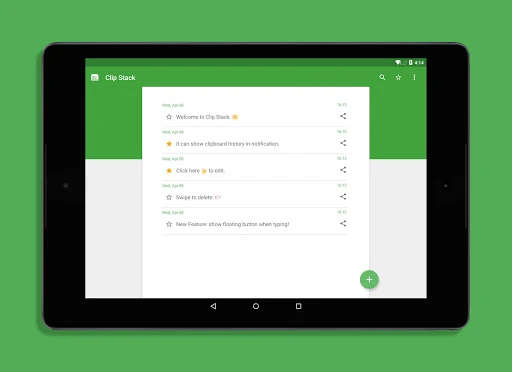
The app keeps a running history of copied text, giving you a central place to browse older entries. Important clips can be starred for easier access, while multiple entries can be merged into one block of text. That makes it useful for collecting research, assembling notes, or keeping frequently reused details close at hand.
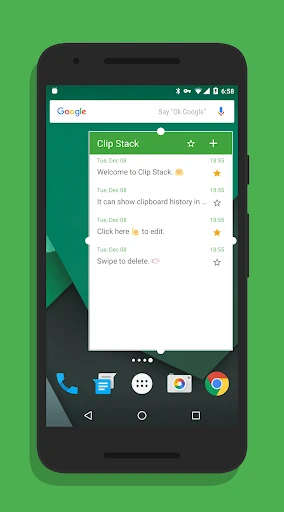
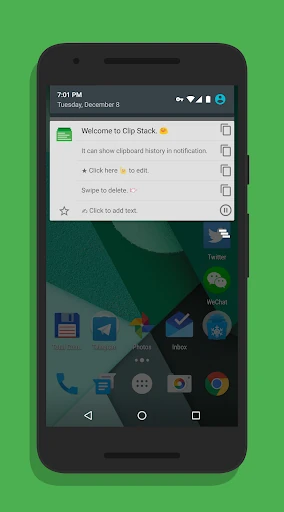
Clip Stack works as a background utility, with clipboard access available without opening a full note-taking app each time. Its notification controls can show recent clips and let you switch between them while working elsewhere. The result is a focused tool for people who want clipboard history without adding a larger productivity system.
With a 4.02 rating from 7,074 reviews and 500,000+ installs, Clip Stack has found a substantial audience in the Tools category. It is developed by Ruoxin He. On newer Android versions, system restrictions can affect how clipboard managers operate, so the experience may depend on the device and Android release.