Click to download now, finish the installation quickly, and directly unlock the all-round experience
Screenshots
Click to download now, finish the installation quickly, and directly unlock the all-round experience
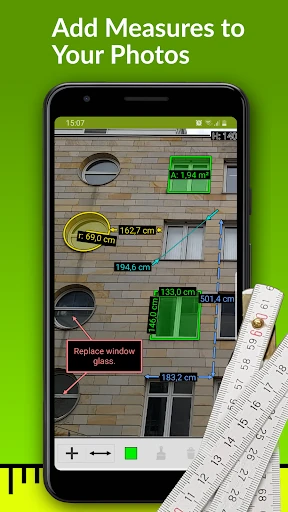
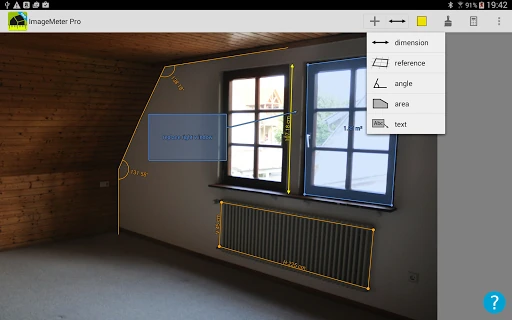
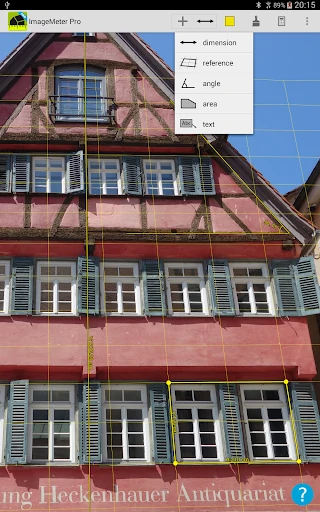
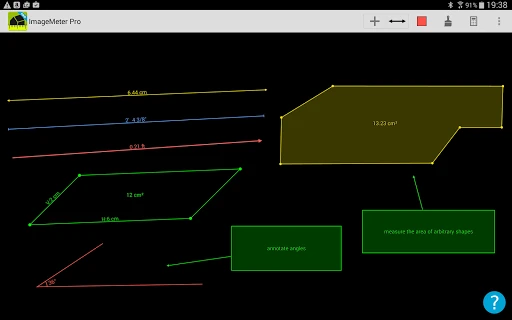
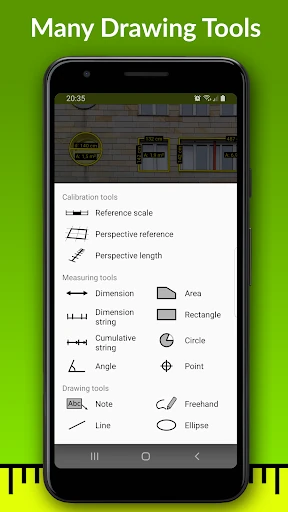
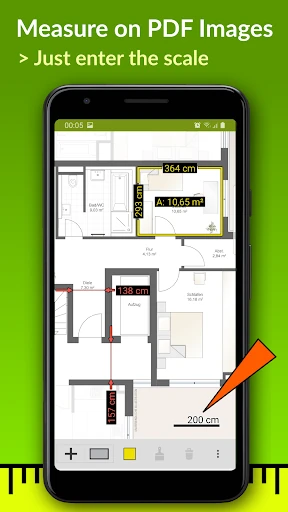
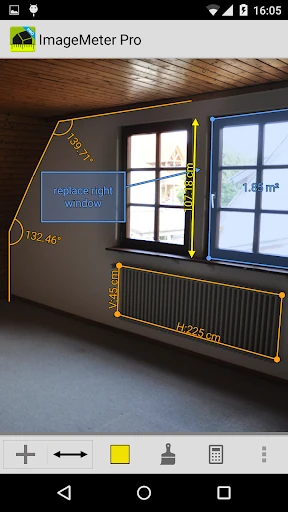
ImageMeter - photo measure turns a photograph into a working measurement sheet. Mark distances, areas, angles, and other dimensions directly on an image instead of redrawing a room or site from memory. It is aimed at tradespeople, surveyors, installers, property professionals, and anyone documenting spaces where taking a physical measurement is difficult.
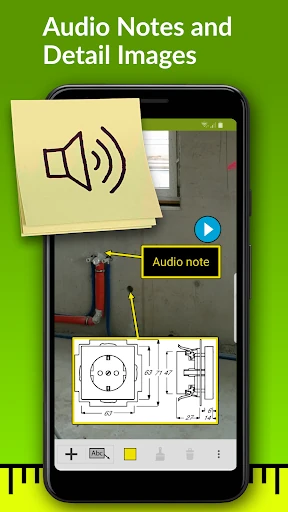
The app can use a known reference in the picture to account for perspective, making it possible to estimate dimensions on objects that are high, distant, or otherwise hard to reach. Photos can carry colour-coded markings, notes, and audio comments, so a single image can hold both the measurement and the context around it.
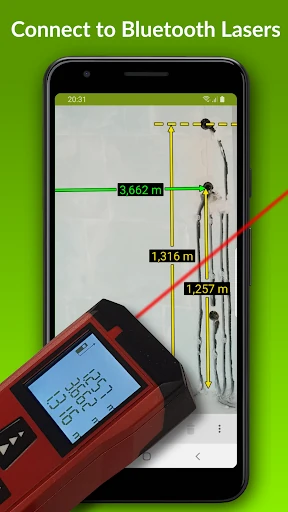
For users who already work with laser distance meters, ImageMeter supports Bluetooth connections with equipment from brands including Leica, Bosch, and Hilti. That reduces the need to type readings into a phone and makes the app more practical for repeated measurements during inspections, construction work, and planning tasks.
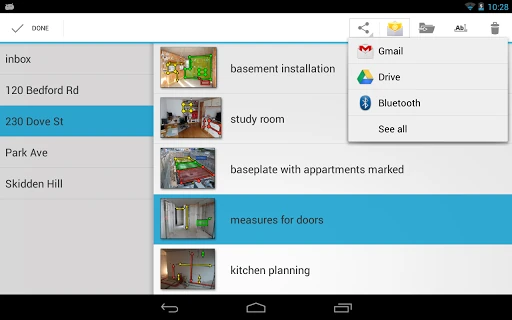
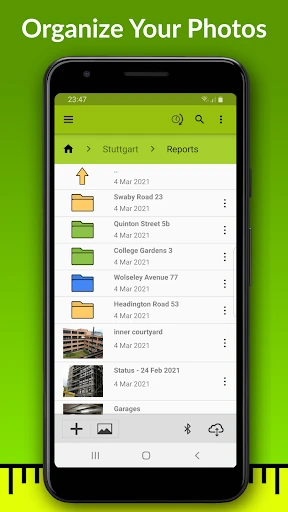
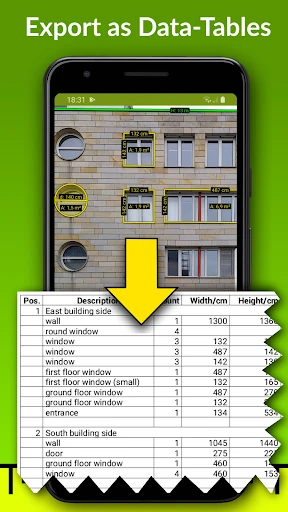
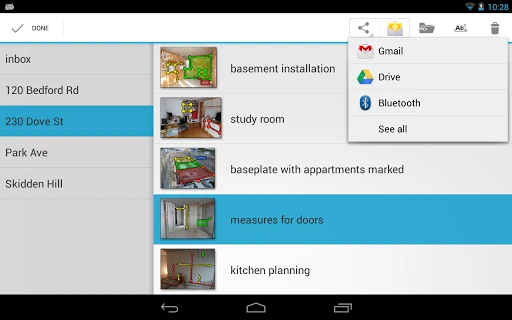
Measurements can be grouped into folders and used to create PDF reports or CSV tables for later handling. Cloud services such as OneDrive and Dropbox are supported for keeping project material available across devices. The app has passed 1,000,000+ installs and holds a 3.14 rating from 8,293 reviews. Those figures suggest a well-established tool, though its dense, professional focus will suit practical documentation better than casual note-taking.