Click to download now, finish the installation quickly, and directly unlock the all-round experience
Screenshots

Click to download now, finish the installation quickly, and directly unlock the all-round experience
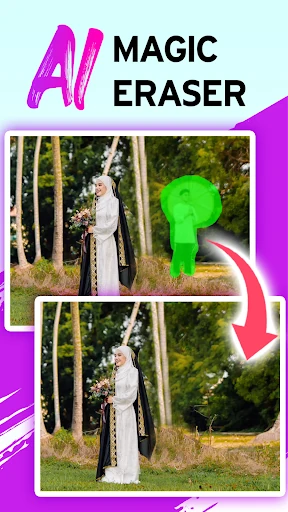
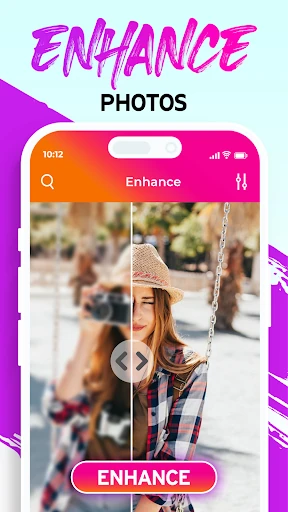
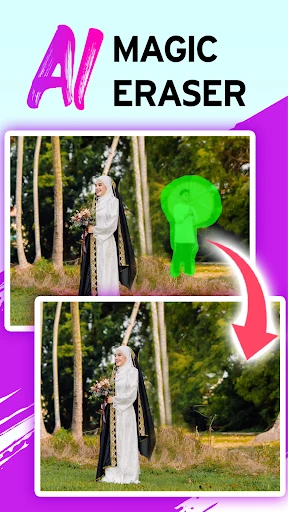
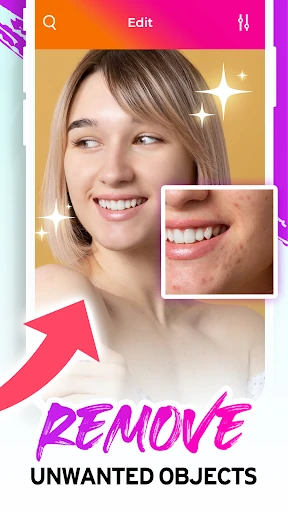
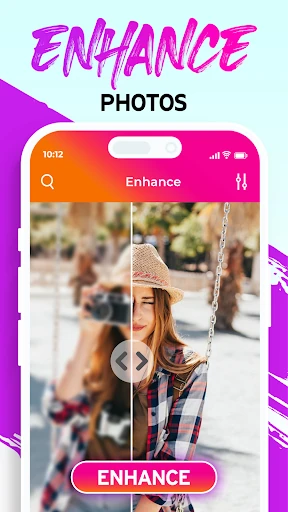
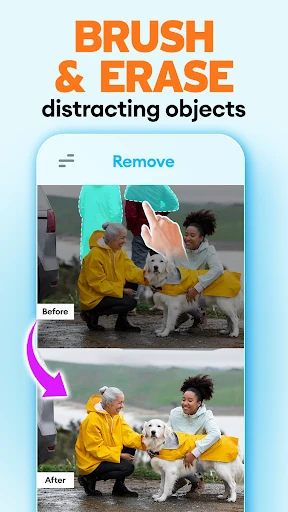
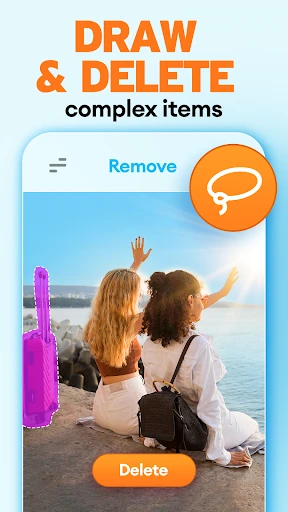
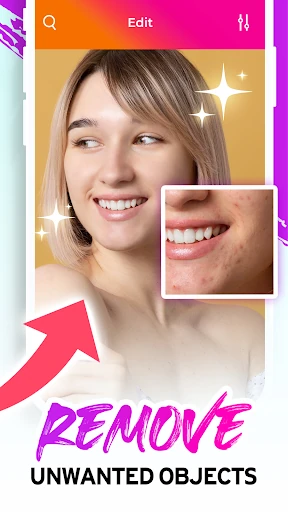
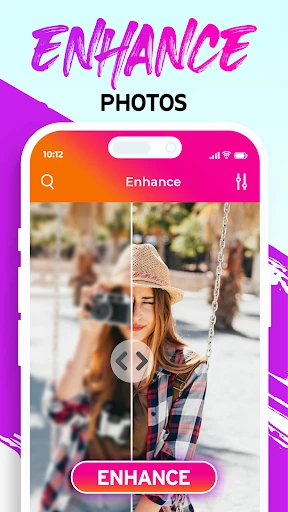
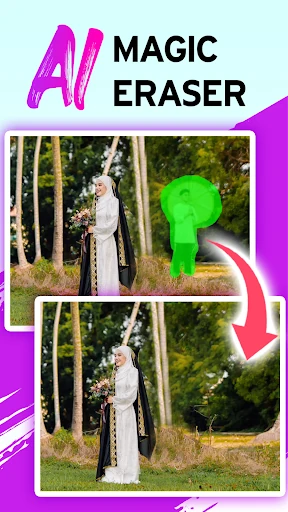
Eraser: Remove unwanted object is a photography editor for removing distractions from images. It suits anyone who wants to clear out photobombers, stray objects, power lines, text, or watermarks without working through a more complex desktop-style editor. Mark the area you want to change, then let the app fill in the space using the surrounding image.
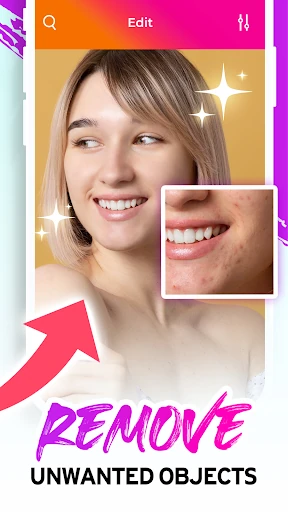
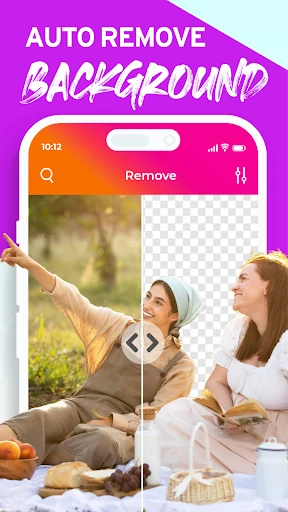
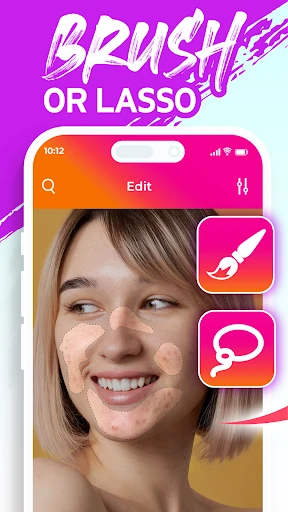
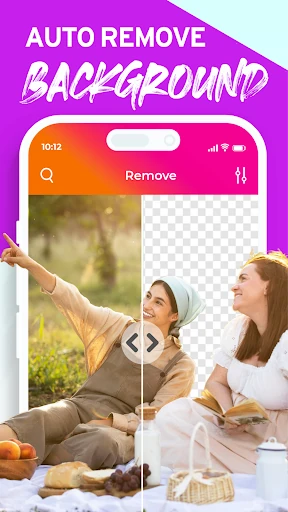
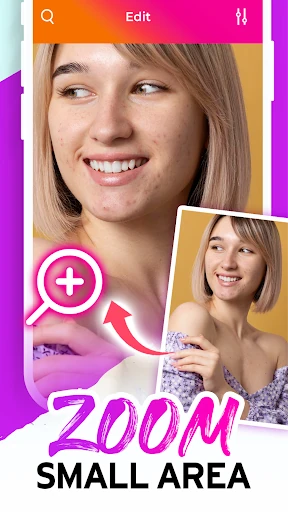
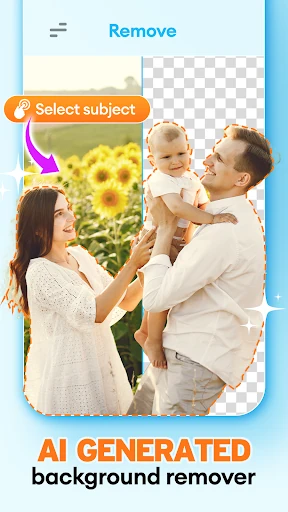
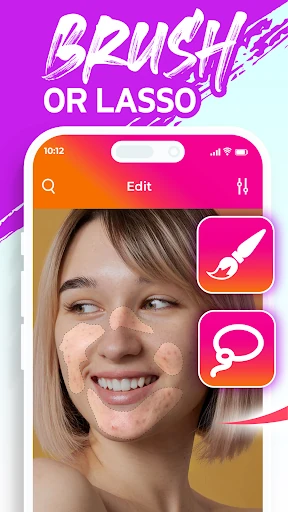
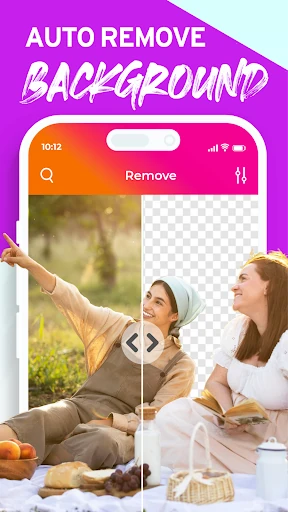
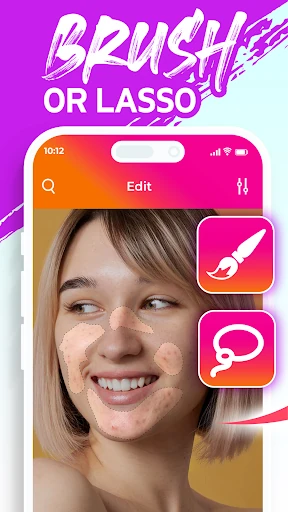
The main removal tools support brush and lasso-style selections, giving you a way to target either small marks or larger areas. A background eraser can help separate a subject from its surroundings, while portrait retouching is aimed at reducing blemishes, spots, and other minor skin imperfections.
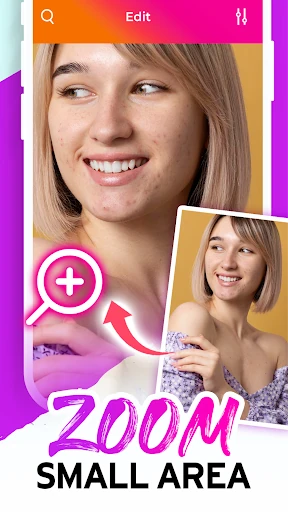
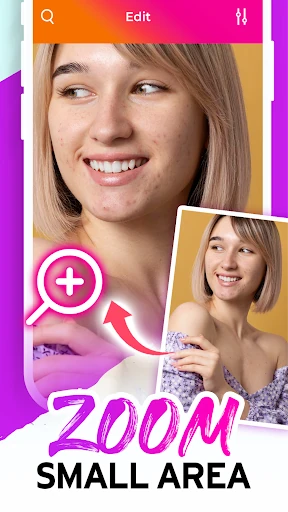
This is a practical choice for one specific photo problem at a time rather than a complete image-production toolkit. Adjustable brush sizes and magnification help when you need to work around small details on a phone screen. The basic flow is direct: choose an image, mark what should go, review the result, and save the edited picture.
Developed by Merryblue, the app holds a 4.02 rating from 4,163 reviews and has passed 1,000,000 installs. Those figures point to a widely used tool for everyday photo cleanup, especially for people who want object removal and light retouching without learning a layered editing workflow.